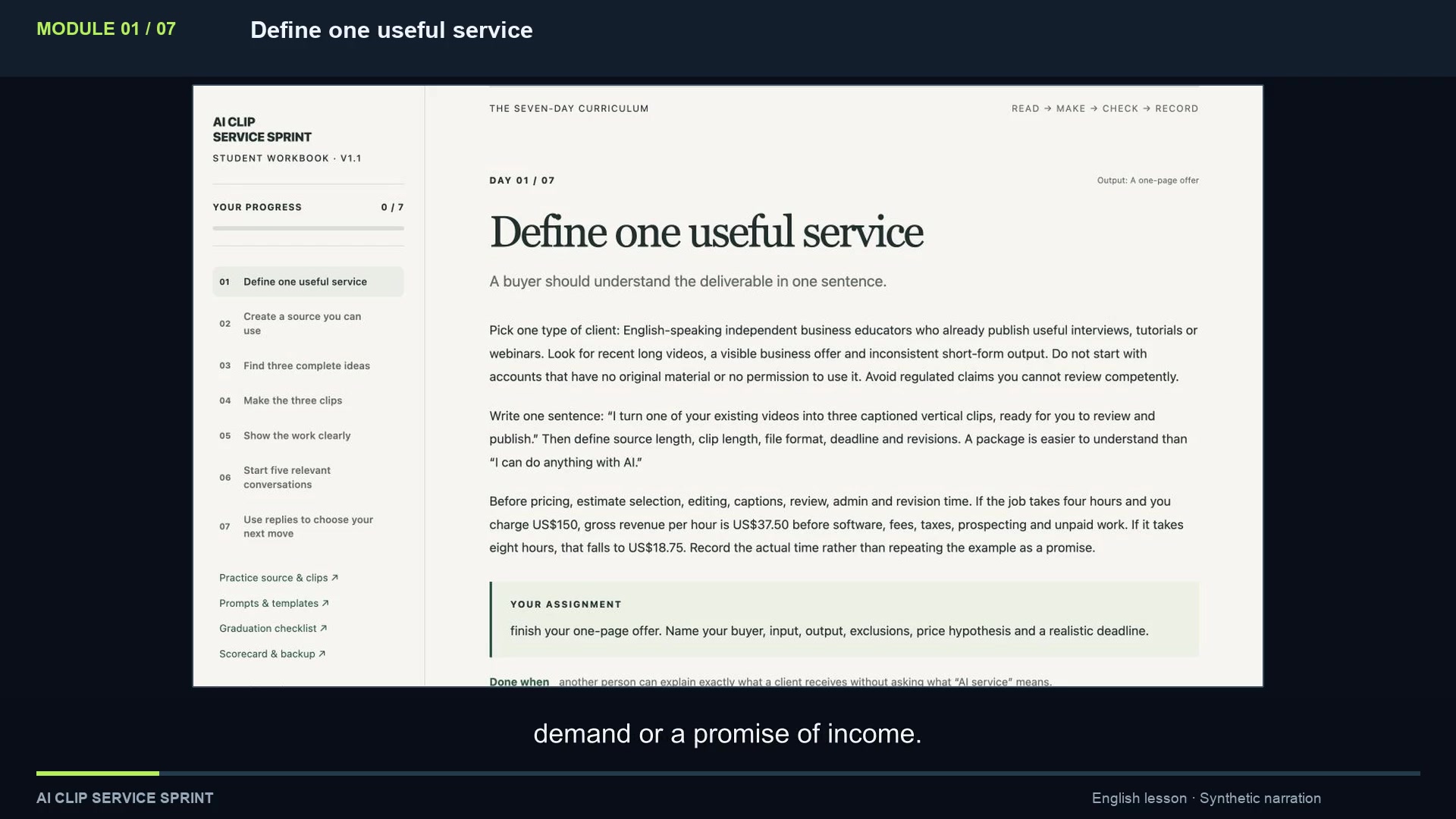
Turn one idea into a clip that makes sense.
Use AI to suggest moments from a transcript. Check the source, choose three complete ideas, correct captions and inspect your vertical exports.
Your output Three practice clipsLearn to offer a focused video editing service
Use AI to find promising moments. Learn to select, caption and check three vertical clips, then package the work as a small service for clients with existing videos.
7 English video lessons · Workbook + templates
One-time purchase · 15-day refund request window
$27 USD base price. Taxes and local currency are shown at checkout.
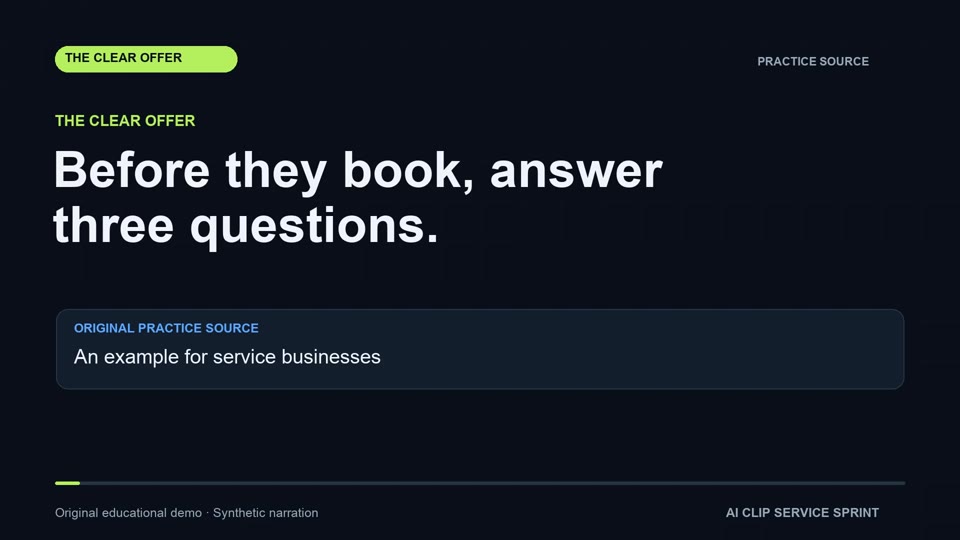
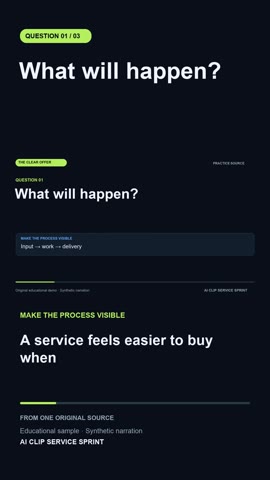
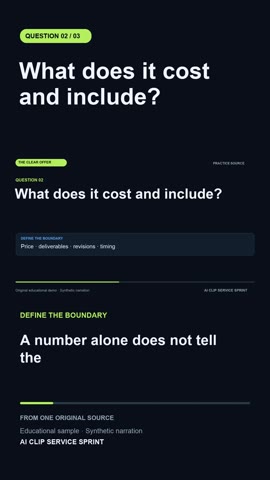
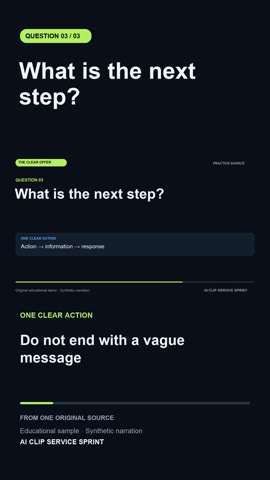
Actual course practice files. Original graphics and synthetic narration.
The work you will practise
The course connects editing decisions with a small, clearly defined client service. Every session ends with a practical assignment.
Use AI to suggest moments from a transcript. Check the source, choose three complete ideas, correct captions and inspect your vertical exports.
Your output Three practice clipsDescribe the source, deliverables, revisions and turnaround. Use a proposal and intake template to put clear boundaries around the work.
Your output A portfolio sample + scoped offerQualify potential clients who already have original videos. Draft relevant messages and track replies, proposals and next steps separately.
Your output A focused first outreach planSee the actual files
Compare the original practice video with one of its finished clips. The lesson is in the decisions: what to keep, where to cut and what the captions need to say.
This is an original educational example with graphics and synthetic narration. It is supplied for practice and is not a paid client case.
Three questions before a customer books
What will happen?
Inside AI Clip Service Sprint
Watch a short lesson, use its working page, then do the assignment. Follow the seven-session sequence at your own pace.
Write a clear offer and set the limits of a three-clip project. Estimate the work before testing a price.
Start with your own or authorised material, correct the transcript and keep a simple record of how you may use the footage.
Compare candidate passages, score their clarity and preserve the speaker’s meaning when you choose the beginning and end.
Review framing, a supported title and corrected captions. Inspect an actual MP4, then repeat the process in your own editor.
Label practice work honestly and use a proposal and intake checklist to define outputs, timing, approvals and revisions.
Identify businesses with useful original content and an observable need. Draft a personal approach using a specific, relevant observation.
Assess the clips, prepare a delivery note and record replies, proposals and paid work as separate stages. Choose a small next experiment.
32 minutes of instruction. More time for the work. Allow roughly 60–90 minutes per session for the exercises. Editing practice may take longer, especially if you are new to your editor.
Try the teaching format
See how the course defines one specific service before introducing the tools. Lesson one is available here in full.
Play lesson 1English synthetic narration, English captions and practical examples. The lessons combine captured workbook and instructor-lab states with original practice media.
A useful starting point
For aspiring freelancers and creators who can work in English and want a structured way to practise one specific video service.
Software, AI accounts and subscriptions are separate. The course teaches the workflow across tools. It is an introduction to the service, not complete training in a named editing app. Software and the instructor’s training lab are not included.
The next step is a practical one
Seven guided sessions to work towards three practice clips, a clear service scope and a considered first outreach round.
Client acquisition, income and views are not guaranteed. Your results depend on practice, the quality of your work and how potential clients respond.
$27USD
One-time course purchase
$27 USD plus applicable taxes. Hotmart may localise the currency. Review the final total, access and refund terms before paying.
Access starts after payment approval. Download the workbook and supporting materials from Lesson 1.
Watch the first lesson before you decide ↗Before you start
A compact course with practical assignments and a specific scope.
The assignments guide you towards three practice clips, a portfolio sample, a clearly scoped offer and a first outreach plan. You need to complete the exercises and inspect your own work.
No. The course has seven sessions that you can follow at your own pace. Allow roughly 60–90 minutes per session for practice, with extra time for learning your editor.
The workflow is editor-neutral. Demonstrations use captured states from the workbook and a functional instructor lab, together with actual source and export files. They are not a continuous click-by-click tutorial in CapCut, Premiere or another named app. Reproduce the process in your own editor.
AI helps suggest passages from a transcript and draft text. You check the surrounding source, choose the cuts, correct captions, inspect the export and make the final decisions.
Yes. There are seven lessons with synthetic English narration, English captions and text transcripts. The original practice video uses graphics and synthetic narration, rather than a filmed speaker.
Yes. You may edit the supplied original source and show your own edits as clearly labelled practice samples. Keep their origin clear. The course and its original reference examples are not supplied for resale.
The course includes lessons, practice files and working materials. It does not include leads, client work, individual coaching, a community, software subscriptions or the instructor’s editing lab.
No client or earnings outcome is guaranteed. The sessions organise the work you can control: practice, a defined offer and a relevant initial outreach round. Finding a paying client can take longer, and some offers will not sell.
Buy through the Hotmart checkout. The base price is $27 USD for a one-time purchase, plus applicable taxes. Hotmart may localise the currency and shows the final total and purchase terms before payment. Access to the seven lessons is delivered through Hotmart Club after payment approval. Download the workbook and supporting materials from Lesson 1.
You have 15 days to request a refund through Hotmart. Review the refund information and purchase terms at checkout. For questions about course content, course access or privacy, contact AI Clip Service Sprint via Facebook Messenger. For payments, refund requests or Hotmart platform issues, visit the Hotmart Help Center.